
If you have ever wanted more control over how your WordPress pages look — without touching a line of code — aBlocks Pro is worth your attention. It is a Gutenberg block plugin built by Kodezen that extends the native WordPress editor with a large library of purpose-built blocks, covering everything from simple layout containers to dynamic content, interactive elements, and third-party integrations.
This tutorial gives you a clear picture of what aBlocks Pro is, how it fits into your WordPress workflow, and which blocks to explore first.
What aBlocks Pro Actually Is
aBlocks Pro is a block library for the Gutenberg editor. When you install and activate it, a new set of blocks becomes available inside the WordPress editor — the same editor you already use to write posts and build pages. You do not need a separate page builder or a different editing interface. Everything works inside Gutenberg.
The plugin is developed by Kodezen LLC and is part of their wider ecosystem of WordPress tools, which includes ECM Pro, ZenCommunity Pro, StoreEngine, Academy LMS, and others. One of its practical strengths is that aBlocks Pro includes dedicated integration blocks for each of those plugins — meaning if you are already running the Kodezen stack, your page-building tool and your plugin suite speak the same language.
What the Block Library Covers
The aBlocks Pro block library is organised into three groups.

Core Blocks form the bulk of the library. These are general-purpose blocks for layout and content — a Container block for structuring your page, Heading and Paragraph blocks with extended styling options, interactive elements like Accordion, Tabs, and Toggle, and display blocks like Carousel, Flip Box, Image Comparison, and Countdown. There are also utility blocks for things like QR codes, Lottie animations, progress trackers, and a frontend dashboard for logged-in users.
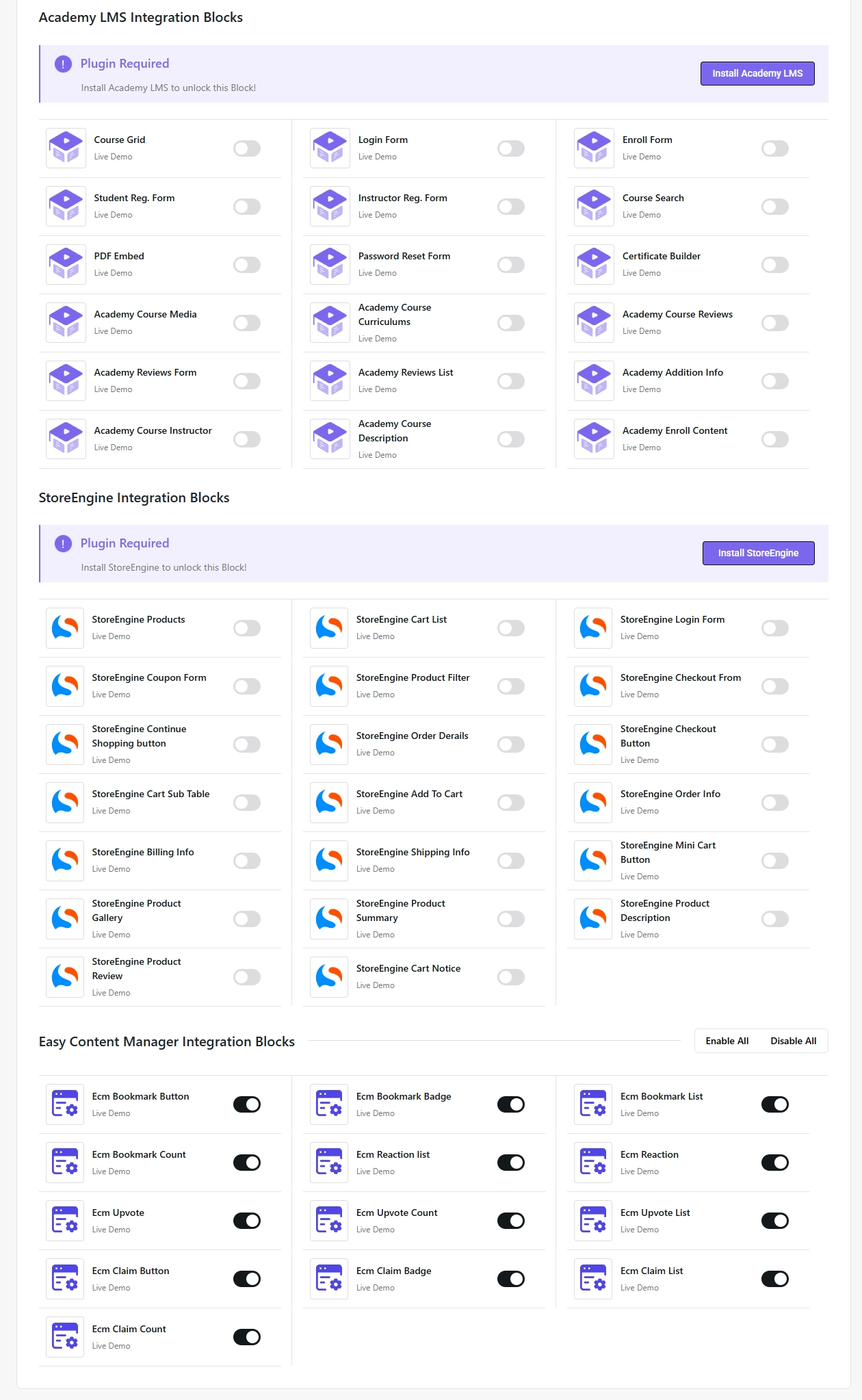
Integration Blocks are available for Academy LMS, StoreEngine, and ECM Pro. These unlock when the relevant Kodezen plugin is active on your site, and they allow you to display course grids, product listings, and custom post type content directly in the editor without shortcodes or custom development.
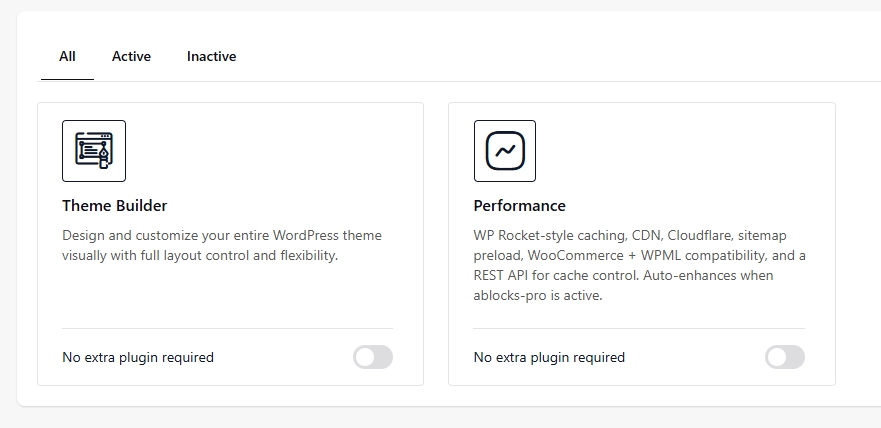
Add-ons extend the plugin further. Theme Builder lets you design header, footer, and archive templates visually. The Performance add-on handles page caching, CDN URL rewriting, and Cloudflare integration directly from within aBlocks — no extra plugin required.
Three aBlocks Pro Blocks Worth Exploring First
If you are new to aBlocks Pro, these three blocks are a good starting point.
Container is the foundation of most layouts built with aBlocks. It controls width, padding, background, and responsive behaviour in one place. Understanding how Container works will make every other block easier to manage.
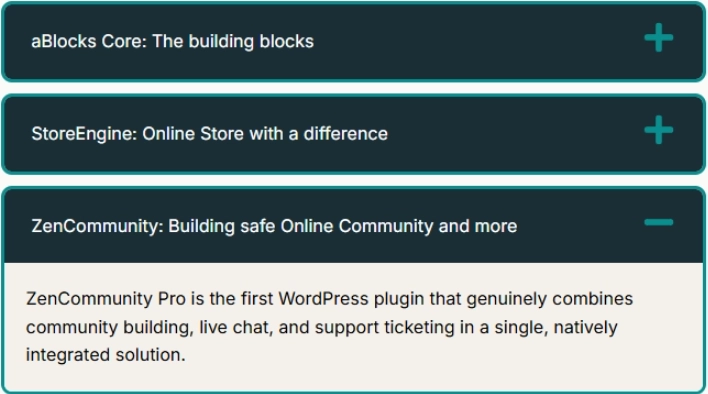
Accordion is one of the most practical blocks for content-heavy pages. It lets you collapse sections of text behind a clickable heading — useful for FAQs, step-by-step processes, or any content where you want to give readers control over what they expand.
Dynamic Text is worth understanding early even if you do not use it immediately. It allows a block to pull live data — post titles, author names, custom field values, dates — and display it inline. Once you see how it works, you will start noticing places to apply it across your site.
What Comes Next
aBlocks Pro has a lot of depth. Future tutorials on this site will go deeper into specific blocks — how to configure them, how to combine them, and how to get the most out of the Kodezen integration blocks in particular.
If you are looking to build a community around your content, read our guide on why ZenCommunity Pro is worth considering.
If you are building with the Kodezen plugin stack and want help getting your WordPress setup working properly, ChatBizSol offers hands-on configuration and build support.